API Usage
Overview
Universal Inbox provides a RESTful API that allows third-party tools like Raycast to interact with notifications. For AI agent integration via MCP, see Universal Inbox with AI Agents.
Authentication
OAuth 2.1
Universal Inbox provides an OAuth 2.1 authorization server for programmatic access. This is the recommended authentication method for MCP clients and third-party applications. See the AI agents documentation for details on the OAuth flow.
API keys
API keys provide a simpler authentication method for tools that do not support OAuth.
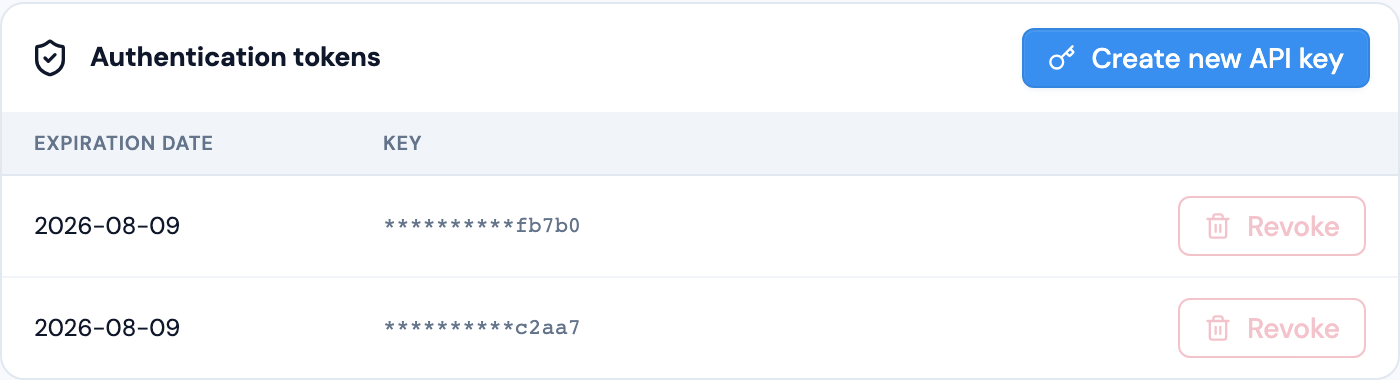
From the user profile screen:
- click on the "Create new API key" button. This will generate a new API key.
- Copy the key and store it securely. You will not be able to see it again.
Use the API key as a Bearer token in the Authorization header:
Authorization: Bearer <your-api-key>
The same Security page lists all the API keys you have created and lets you revoke any key you no longer need. See Security & Privacy.